It may be a long time since you last caught a bear, and you may be out of practice.
Or maybe this is your first time. But here are the instructions to help you to get the hang of it.
Getting started
First of all, you’ll have to be on a mobile device. It’ll work on a tablet or a laptop but they’re a bit ungainly to carry around and probably don’t have 4G…
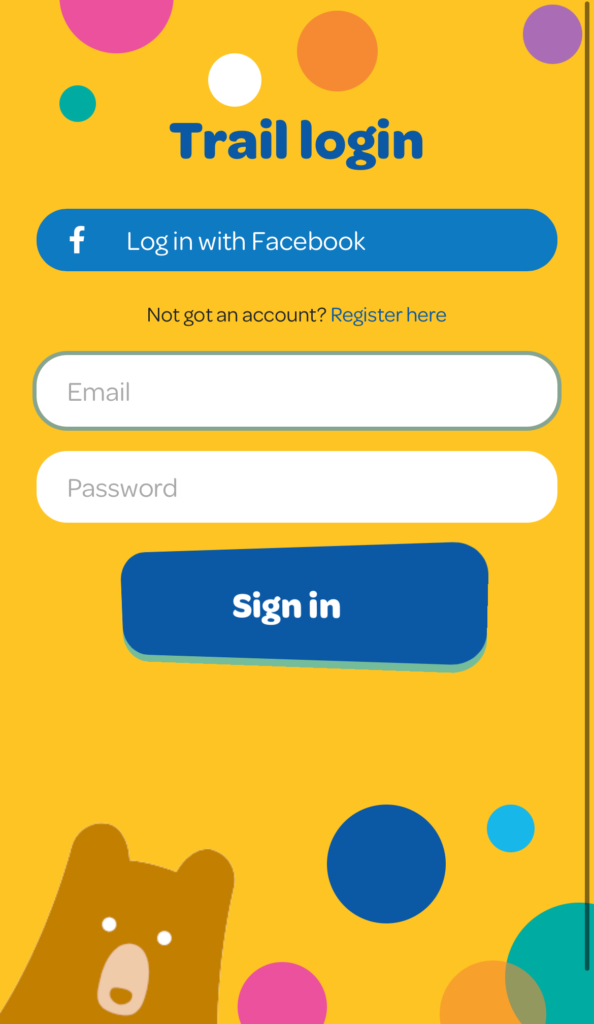
Click on Take me to the the Trail anywhere on the site.
Register to use the Trail, or sign up using Facebook. You will be taken to the map, and you are ready to go.
Make a shortcut: It’s a good idea to create a shortcut on your phone before you go any further (it’ll also be easier to see all the features of the trail without the headers and footers of mobile browsers). You can find instructions on how to do that here
Catching your first bear
- Find a bear, either using the Trail map, or your brilliant eyes. You can also tap on Bears Nearby to see who’s around.
- It can be dangerous to get within 20m of a bear, but you’re going to have to be brave.
- Once the bear starts jumping up and down, QUICK! It’s ready to catch.
- Tap on it to catch it. Then catch your breath – you’re doing brilliantly!
- Carefully tick the circle in the pop-up that appears, and that’s it! You’ve caught your first bear! Be nice, but don’t touch the bear as they are sensitive and shy.
- Once you have your bear, there are lots of things you can do next…
Donate to the bear
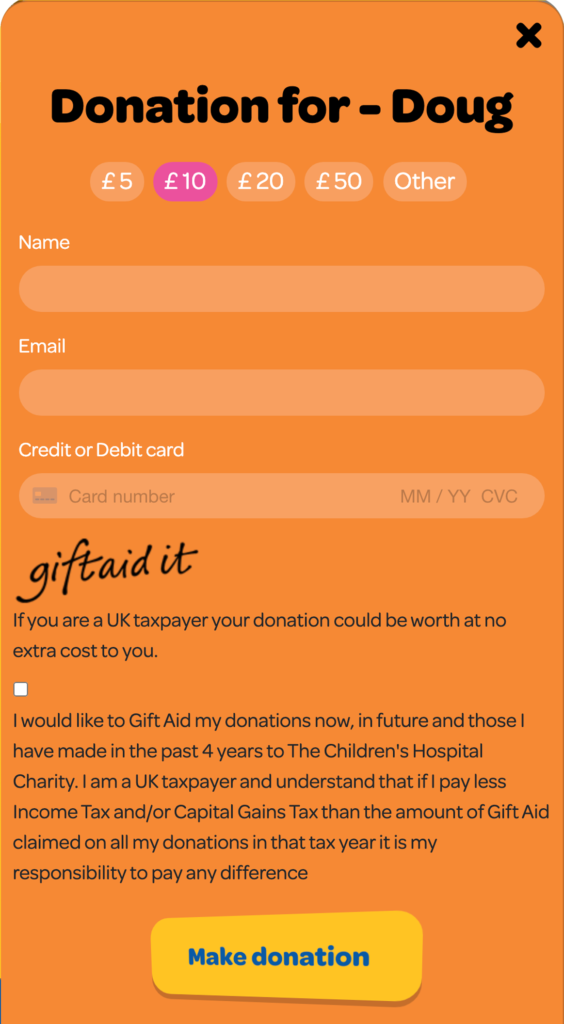
Click on Donate and you’ll be able to enter a donation of your choice which will then push up the total of that bear (you can see the bear’s total in their Bear Page.
Don’t forget to champion the underbear and help out bears who aren’t doing as well or haven’t got as many visits!
Claim a reward
In spite of you exercising some kind of colonial right of capture on them, you’ll find these bears to be exceedingly generous.
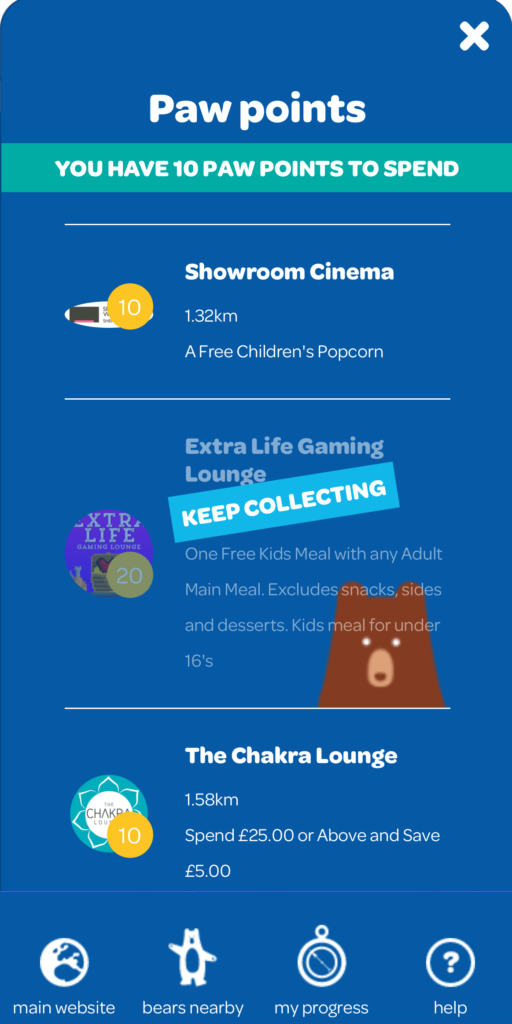
You will get 10 Paw Points for each big bear that you catch. With these points you can redeem offers with nearby businesses.
Tap on View paw points offers to see all the offers available nearby. You can find more detailed instructions about redeeming Paw Points here, but wherever you see a Paw Point icon, you can click on it to look at your Paw Points and your offers.
Share your bravery on social media
Click on the share buttons to link to your Facebook account and share your capture like a true hunter (except you’re nice because no killing has occurred).
This is a really good way to spread the word and let people know that the bears are out there.
Instagram doesn’t let you share in the same way that Facebook and Twitter do, but clicking on Open Instagram will take you to your Insta app so that you can be really creative and take an arty bear selfie.
(Disclaimer: this is actually a really dangerous thing to do with real bears. Our bears have all been thoroughly media trained and are registered Influencers, but even so, we can’t guarantee your safety in close-quarters photographic scenarios)
Check on your progress
Once you’ve caught a few bears, it might be time to have a well-deserved discounted drink at a local cafe and survey your work.
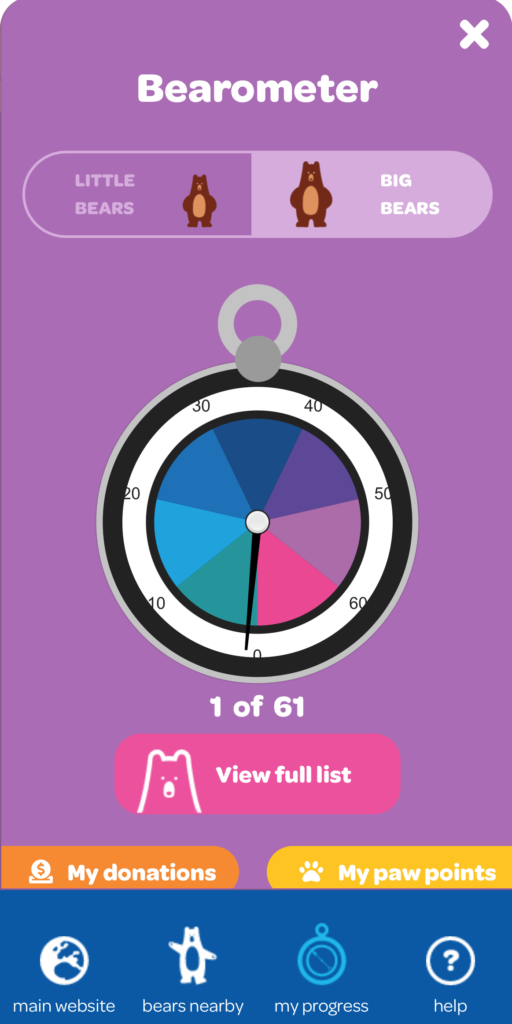
The Bearometer: If you click on the My Progress button in the blue trail menu, you’ll find two Bearometers, one for big bears and one for small bears. There are 60 big bears and 100 small ones, and you’ll see the needle going up as you add to your collection.
There are some other buttons on this page:
Bear listing: Also on the Bearometer page is a button saying View full list. Here you’ll find pictures of all the bears, which you can click on to find out more about them (these pages are on the main website, so you’ll have to click on the trail link at the top to go back to the Trail).
You may notice that in the list, the bears you have caught are full technicolour, whilst the bears which are still evading your collection are grey. (NB: Some of the bears are actually painted in black and white which might look like they haven’t been caught yet, but most of them are beautiful vibrant colours so get collecting and you’ll be able to see them all together).
Your donations The other thing you may want to do is look at your donations and see which bears you’ve donated to, and how much. You can do this by tapping on the My Donations button
My paw points: This is another way to see which offers are available nearby, and what you can get for the Paw Points you’ve collected.